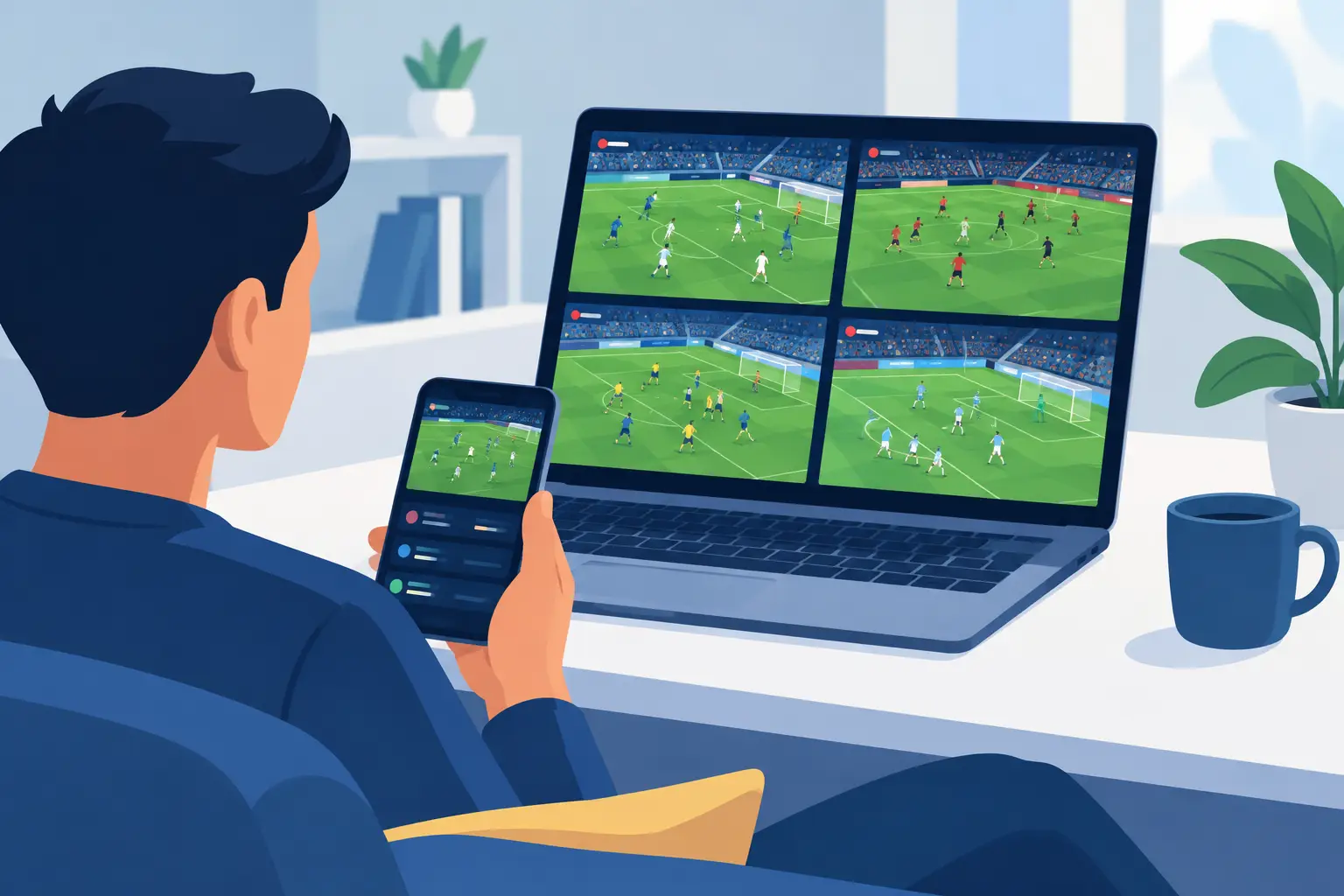
A Saturday can turn into a blur fast. Your club is in a tight match, a rival is playing at the same time, and a fixture across the ocean has produced two goals in five minutes. A score app can tell you what already happened. To track multiple football matches well, you want to know which game deserves your attention before the next big moment arrives.
That is the difference between following scores and following the matchday. It comes down to three habits: a fixture list you have actually organised, notifications you have chosen deliberately, and a bit of live context around pressure, corners and cards. You do not need six screens. You need a better way to decide where to look.
Why scores alone fall short on a busy matchday
A scoreline is a snapshot, not the live picture. A 0-0 match may look quiet while one side is building sustained pressure, winning corners and forcing saves. Meanwhile a 2-1 match might be settled, because the leading team has regained control and the game has gone flat.
When several fixtures run at once, that distinction is the whole problem. The loudest score update is not always the most relevant one. A red card, a spell of one-sided attacking, or a run of set pieces can change the character of a match well before the scoreboard moves.
Traditional live trackers also make fans do too much of the interpreting. You open one match, scan the stats, go back to a scores page, open another, and try to remember what you saw two minutes ago. By the time you have compared the games, the situation has changed again.
The fix is not more data on screen. It is fewer, better-chosen interruptions, so that opening a match is a decision rather than a reflex.
Build a matchday view before kickoff
The easiest way to lose track of several games is to start organising after they kick off. A few minutes of setup beforehand gives every notification a purpose.
Split the schedule into three groups: must-watch matches, background matches, and check-in matches. Your club, direct rivals and major tournament fixtures usually belong in the first group. Background matches may affect the table, a knockout path or a conversation you are following. Check-in matches are games you want to keep an eye on without letting them take over your phone.
This is not about caring less about the rest of the schedule. It is about assigning attention deliberately. If eight matches kick off at 10 a.m., a goal in any of them may be worth knowing about, but only a smaller set should be allowed to pull you away from what you are watching.
Time zones matter for fans following European, South American and domestic football in one day. Check kickoff times early, especially where competitions overlap. A simple list of start times, teams and priority level is usually enough to prevent the familiar moment when you discover a match you wanted to see is already in the 65th minute.
Track multiple football matches with alert priorities
Notifications are only useful when they are filtered. If your phone buzzes for every throw-in, you will mute it. If it stays silent until full time, it cannot help you move between fixtures at the right moment.
So it is worth asking what would genuinely make you want to look at a match right now. For most fans the honest answer is a short list: the goals, the moments that change the shape of a game, and the passages where one side has clearly taken over. Setting alerts around those events, rather than around every event, is what keeps a busy afternoon readable.
A good alert should also distinguish between a single event and a developing pattern. One corner is normal. Several corners in a short spell, with shots arriving behind them, tells a more meaningful story. That distinction is what protects your attention from noise, and it is the part a score feed cannot do for you.
The right mix depends on the day. During a casual afternoon you may want every goal across a league. During your own club's match, alerts from other fixtures should be limited to the ones that would actually make you switch screens.
What Sports Alert gives you for a multi-match day
It is worth being specific about the tools rather than describing an ideal, because what you can set up is narrower and more concrete than "customise everything".
The matches list is organised into tabs — scheduled, live, followed and finished — each carrying a count, so the size of the slate is visible before you start opening fixtures. You can search it by team, league or country, which is usually faster than scrolling a busy Saturday. Following a fixture puts it in your Followed tab, and following is also what brings a match into scope for alerts at all: alerts are sent for matches you follow.
The alert families you can receive are goal alerts, corner alerts, card signals and the Pressure Signal, and those rules are set by Sports Alert rather than assembled by each subscriber. Each family has its own toggle in your notification preferences, and that toggle applies across your channels. Your alert history can then be filtered by family, which is a practical way to review a crowded matchday afterwards and work out which notifications actually changed what you did.
Two details are worth knowing before you rely on any of it. There is no screen where you build a rule or set your own numeric threshold; custom alert rules are listed as a Max-plan feature and are arranged with the Sports Alert team. And there is no separate alert for an unusual or anomalous scoring phase. What can surface a late surge is a late Pressure Signal or a late card signal — not because the system has recognised a narrative, but because the underlying counts moved.
So the levers you genuinely control across a multi-match day are these: which fixtures you follow, which alert families stay switched on, and which channels carry them.
Use momentum as a viewing decision tool
Momentum is often treated as a vague feeling. Watching a match, you read it from everything at once: where the ball keeps being played, who is winning the second balls, whether the defending side can get out of its own half, how the crowd sounds. Those are real parts of following football and they stay yours to judge.
The Pressure Signal is the narrower, countable part of that: it reads shots taken from inside the box, shots on target and corners, for one team measured against the other and against how that same match had been running up to then. It is not a model of chance quality and it does not know about a substitution or a change of shape. Knowing where the line falls is what stops you reading more into an alert than it claims.
It also does not mean momentum guarantees a goal. Football is too unpredictable for that. A team can dominate a ten-minute spell and fail to score; another can create one clean transition and take the lead. The point is not certainty. The point is knowing when a match has changed enough to be worth a look.
Say you are watching Match A while keeping Match B and Match C in the background. Match B is still 0-0 but the counts have swung hard one way. Match C is 1-1 and neither side has generated much since halftime. The scoreline makes Match C sound like the better watch. The live picture suggests Match B is the one to open next.
This is where live match analysis earns its place on a crowded day. While a match is running, Sports Alert re-reads the match statistics it tracks for both teams and re-checks its alert rules against them on a repeating cycle, so a rule can fire mid-match rather than after it. That is what lets a fixture you are not watching put itself back on your list.
Keep one screen for watching and one for context
Multiple-match tracking works best as a two-screen habit, even when the second screen is only your phone. The main screen is for the match you care about most. The second is for the wider matchday.
Avoid trying to watch every broadcast at once. Split-screen can work for two high-priority fixtures, but it becomes counterproductive when you are chasing four or five. You will see more action and understand less of it.
Let the alerts decide when to switch instead. If a secondary game produces a goal or a clear pressure swing, open it for a few minutes. Watch the sequence, read the flow, then go back to your primary match. That keeps the day active without turning it into constant channel-hopping.
Audio helps too. A low-volume broadcast or radio call can carry a secondary fixture while your eyes stay elsewhere. Use it selectively, though: competing commentators become a distraction of their own, especially late in a game.
Choose channels that fit the moment
Not every fan follows football from the couch. You may be commuting, at work, coaching or somewhere a live stream is not realistic, and the way an alert reaches you should fit that.
A plan makes a channel available without switching it on for you, so it is worth knowing where the lines are. Push notifications are included on every plan. Email is included on Pro and Max. Telegram and SMS are Max-plan channels, and each needs a one-off setup step before anything can arrive: Telegram has to be linked to your account, and SMS needs a verified phone number. Every channel also has its own toggle in your notification preferences, and SMS carries a monthly message cap.
Match the channel to the urgency. Push suits the moment you need to move between fixtures. Email fits a broader monitoring routine rather than a live switch. Telegram works well if you already follow football conversations there. And check the toggles before match day rather than during it — the middle of a busy slate is the worst time to discover a channel was never switched on.
Let context improve the conversation
Tracking several games is not only about deciding what to watch. It changes how you talk about football. In group chats and fan communities the conversation usually moves at the speed of the latest goal, and context gives you something more useful to add than a reaction emoji.
Instead of saying a goal came from nowhere, you can point out that one side had been piling up corners and shots for ten minutes. Instead of assuming a late equaliser means the comeback was always coming, you can look at whether the underlying flow supported it. That makes a crowded matchday more engaging, because you are following the story behind the score rather than only the result.
It also calls for some discipline. Live match analysis is information and entertainment, not a promise about what happens next. Signals can tell you that conditions have changed; they cannot remove the randomness that makes football worth watching in the first place.
The next time a crowded fixture list lands on your screen, do not try to consume every minute of every match. Pick your priorities, follow the fixtures that earn it, keep the alert families that consistently make you look — and let the rest of the afternoon come to you.
See Which Match Is Worth Your Attention
Create an account to follow live matches and explore the alerts available on your plan.
Create Free AccountThis content is for informational and entertainment purposes only. Sports Alert provides match analysis based on statistical models and threshold rules. It is not betting advice, not financial guidance, and carries no guarantee of future outcomes. For more information, please see our Disclaimer.