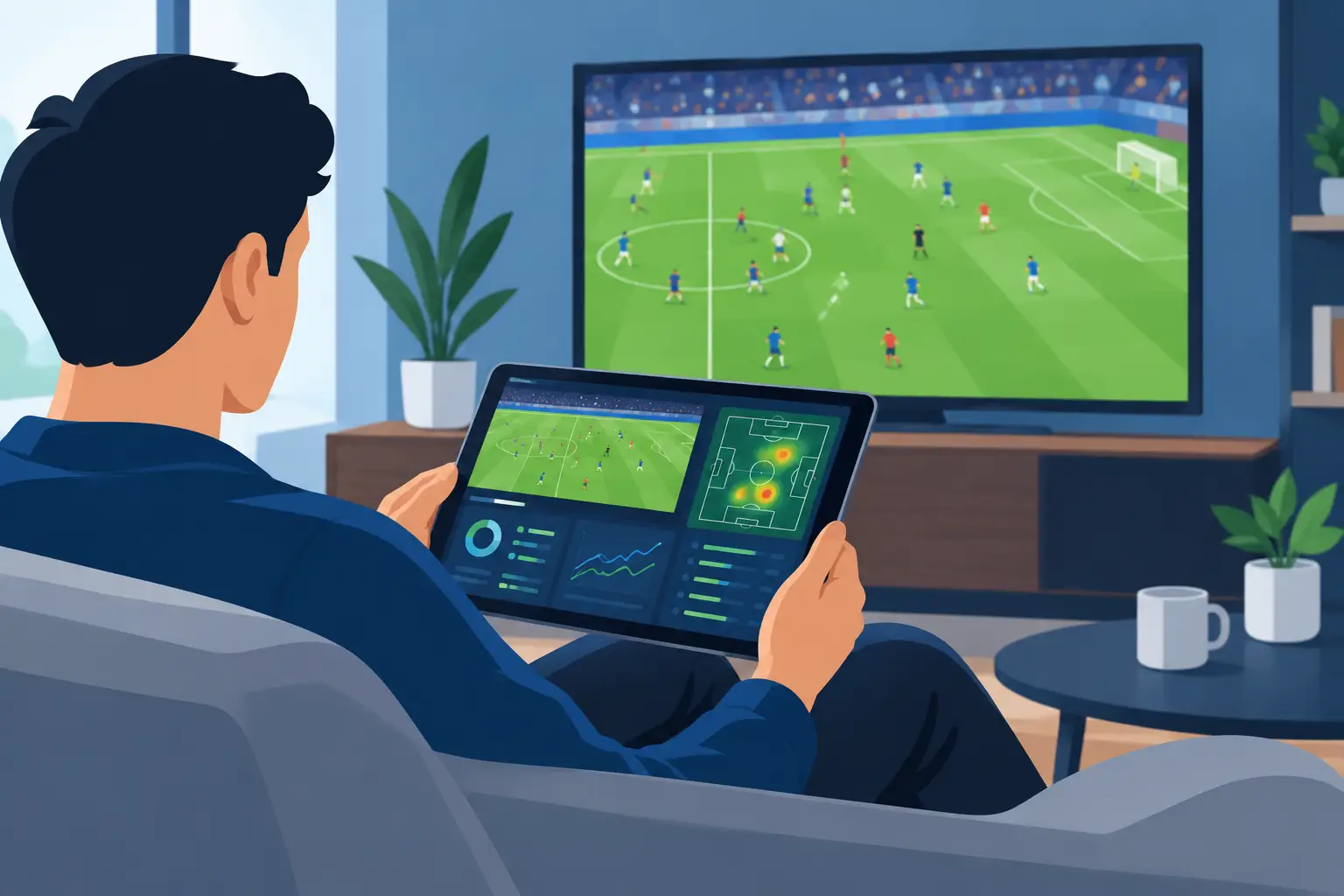
A second screen football app earns its place beside the broadcast when it answers the question the score cannot: what is actually changing in this match? A 0-0 game can be flat, balanced, or one sustained attack away from breaking open, and the scoreline reads identically in all three cases.
This is about getting that second screen right — what it should add, what the broadcast already does better, and what Sports Alert actually puts in front of you while a match is running.
What a second screen should add
Live scores are useful, but they report outcomes after they happen. The interesting shifts in football are usually gradual: a side may not score for twenty minutes while its attacks steadily start arriving in better areas, its opponent drops deeper, and the corners begin stacking up. By the time the score moves, the change has been visible for a while.
A second screen should also respect how you actually watch. You might have the match on television, be following it from a phone between other commitments, or be tracking several fixtures at once. Information has to arrive quickly, read in a couple of seconds, and not demand that you stare at a dashboard to get any value from it.
Why the broadcast leaves a gap
Commentary brings energy and narrative, but it follows the camera, serves a broad audience, and has replays, substitutions and stoppages to get through. Real tactical detail often passes without comment — not because commentators miss it, but because there is no room.
Consider a match where the home side has had more of the ball all night and done little with it. After a substitution its attacks start reaching the box more often, and the opposition begins conceding corners. Possession barely moves. The pattern underneath has changed completely, and that is the sort of thing a second screen is well placed to surface.
There is a trade-off worth naming early. More alerts are not better. Constant notifications turn a useful companion into noise you learn to ignore, which is worse than having none — so the aim is relevance, not volume.
Reading combinations, not events
Football is full of isolated events, and a shot, foul, corner or booking means something different depending on the phase around it. The reading that helps is almost always a combination.
Sustained pressure tends to show up as several things at once: attacks arriving more often, the defending side clearing rather than playing out, corners repeating, the goalkeeper being made to work. Momentum is subtler still — it can turn on a substitution, an injury, a booking that changes how someone can defend, or a spell where one team simply starts winning the second ball.
Most of that is you watching, not an app telling you. A fullback pushing higher to create an overload, a midfielder dropping between the centre-backs to change the buildup, a team retreating into a deeper block to protect a lead — these are things you see, and no counter reports them. Knowing which half of the picture is coming from where is what keeps a second screen useful rather than mystifying.
What Sports Alert puts on the second screen
There are two halves to it: what you can open and look at, and what arrives on its own.
The app has a dashboard as its home view, a Radar page built around the Pressure Signal, a details page for an individual match, an alerts history for what has already fired, and a predictions section. Those update while you have them open.
What arrives on its own is the alert families: goal alerts, corner alerts, card signals, and the Pressure Signal. The Pressure Signal is observational — it reports activity that has already built up rather than forecasting what follows. The Pressure Signal compares how three counted events are moving for one side against the other over a rolling window — shots in the box, shots on target, and corners — and reports when one side is clearly ahead, within set minutes of the match and with a cooldown between messages. That description is specific to the Pressure Signal; the goal, corner and card families run on their own rules, and match predictions are a separate feature in the app rather than something delivered by these alerts.
It is worth being plain about the boundary between the two halves of this article. The tactical reading in the section above — shape, overloads, who is winning second balls — is not what an alert is reading. The alerts count match events and compare them. That is a narrower thing, and knowing it is narrower is what lets you use it well.
Setting it up for how you watch
Which channel carries an alert depends on your plan. Push notifications are included on every plan, Email is included on Pro and Max, and Telegram and SMS are Max-plan channels, each needing a one-off setup step first — Telegram has to be linked to your account, and SMS needs a verified phone number and carries a monthly message cap. Every channel has its own toggle in your notification preferences, and alerts are sent for matches you follow, so following the fixture is what brings it into scope. The Telegram channel guide walks through that setup.
Then decide what earns an interruption. Someone watching one club closely may want very little. Someone following a busy Saturday may want more families on, precisely because they cannot watch everything. The levers you actually control are which fixtures you follow, which families stay on, and which channels carry them. Custom alert rules are listed as a Max-plan feature, but the app does not currently give you a screen where you build a rule or set your own numeric threshold, so a narrower pattern than the standard families produce is not something you can dial in today. The wider set of families is covered in custom football alert rules.
Keep the second screen complementary. Watch the match first, then use the app to check what you are seeing or to catch something the broadcast has not got to yet. When an alert says pressure has built, the useful next move is to look at where the turnovers are happening and how the defending team is responding — the alert points, you read.
Information, not guarantees
Live data can make a match clearer. It cannot remove the uncertainty. A team can dominate for fifteen minutes and concede on its opponent's only dangerous break. A tactical switch can look decisive right up until a red card changes the match again.
That unpredictability is most of why football is worth watching, so the honest framing for any of this is that it helps you see developing conditions — not that it tells you what happens next. It is information and entertainment, not betting advice and not a promise of any outcome.
Make the second screen serve the match
The strongest second screen does not compete with the football. It helps you notice the quiet buildup before a match turns, understand why a scoreline feels misleading, and stay connected to games you cannot watch every minute of.
Set it around the signals you genuinely care about, keep the noise low, and let the match stay the main event. How counted pressure becomes a notification is covered in football pressure shift alerts for live fans.
Follow Live Matches In One Place
Create an account to follow live matches and explore the alerts available on your plan.
Create Free AccountThis content is for informational and entertainment purposes only. Sports Alert provides match analysis based on statistical models and threshold rules. It is not betting advice, not financial guidance, and carries no guarantee of future outcomes. For more information, please see our Disclaimer.