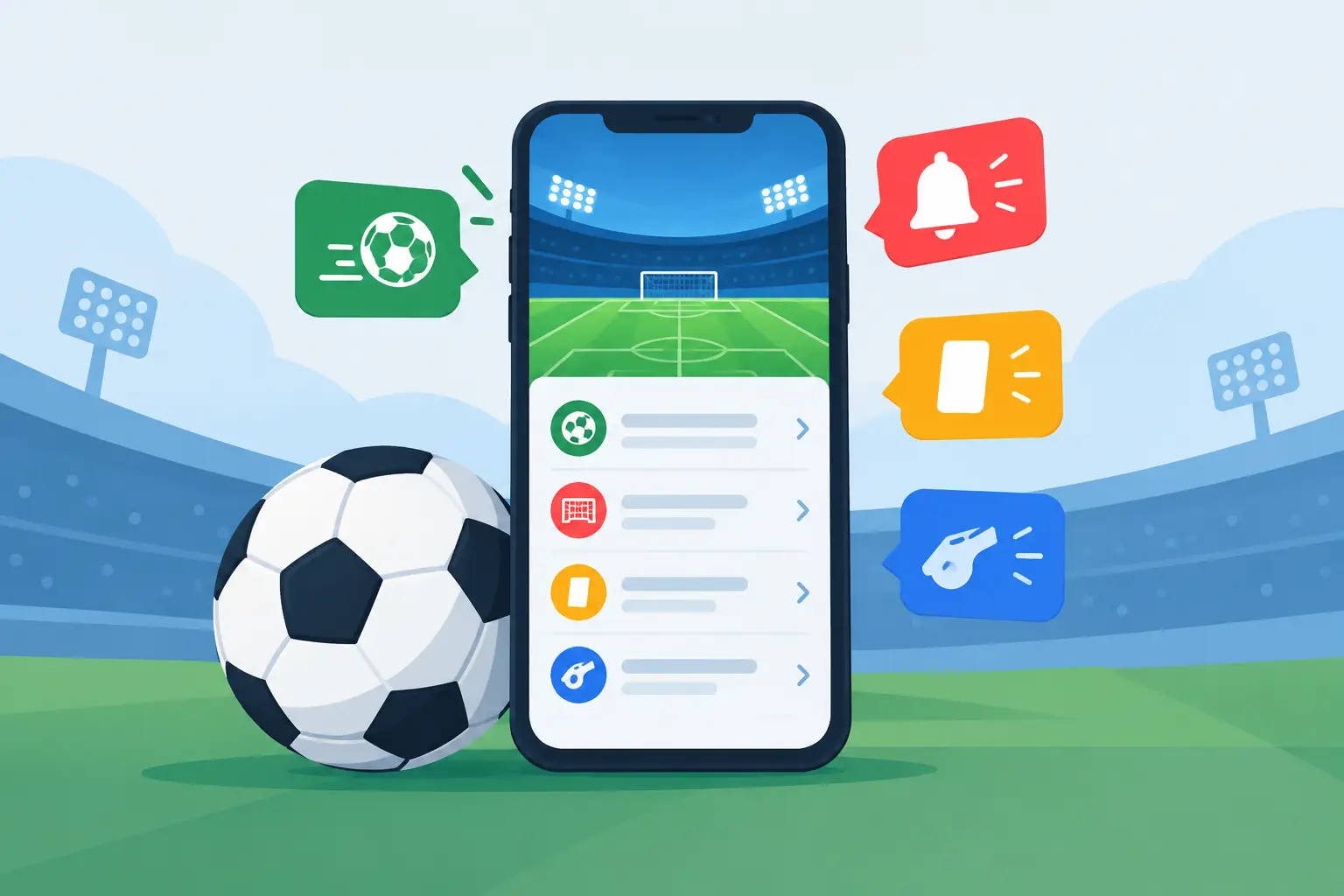
Most articles about football notification features describe a wishlist. This one describes an inventory: what a live alert from Sports Alert actually is, what each kind counts, which controls exist, and — the part usually left out — which advertised features are not there.
That last part is worth having. A feature list you cannot act on is worse than a short one you can.
What reaches you, and where each one arrives
Sports Alert sends goal alerts, corner alerts and card alerts, and it produces two Radar signals: the Pressure Signal and Card Signals. Each of them is a threshold rule — it watches particular counts during a live match and fires when they cross a line the rule sets — and those rules are set by Sports Alert rather than assembled by each subscriber.
Where they arrive is the part most feature lists leave out. Goal, corner and card alerts can reach your phone as a push notification. The two Radar signals never do. A Radar rule that is still in testing records its result without notifying anyone at all; where one is live, it appears in the app and can go out on the email, Telegram and SMS channels described below — but no push notification is sent for a Radar signal either way. If push is the only channel you watch, a Pressure Signal or a Card Signal will not interrupt you.
Goal alerts. Which events depends on the rule — shots on target feature in most goal rules, and others lean on shots from inside the box, blocked shots, dangerous attacks and big chances. A goal alert that fires is telling you those counts moved, not that a goal is due.
Corner alerts. A corner alert fires once the match’s running corner total passes a threshold the rule sets. It is a volume signal about the match total, not a judgement about which side is dangerous.
Card alerts. A card alert is a threshold rule on the match's card count, and it can push. Yellows and reds are summed rather than weighted, so a dismissal is counted but not treated as its own kind of event.
Card Signals. Despite the near-identical name, a Card Signal is a different thing from a card alert: it is one of the two Radar signals. It tells you the discipline picture has shifted, it arrives in the app rather than as a push notification, and the card-alert switch does not cover it.
The Pressure Signal. The one that comes closest to reading a spell of play, and it is still counting. It reads shots taken from inside the box, shots on target and corners. Depending on the rule, those are weighed for one team against the other, or for both teams together — and either way against how that same match had been running up to then. Like the Card Signal, it is never a push notification.
The number that appears after an alert fires
One feature is easy to misread because it looks like a forecast. Open some goal alerts in the app and you will see a short line labelled Model leans, naming one team with a percentage.
That percentage is not the chance that a goal is coming. The number behind it is one of two different quantities: either how that side's share of modelled goal threat compares with the opponent's, counted only if the match produces another goal, or a calibrated record of how comparable alerts have performed before. Neither is a probability, a confidence or a certainty, and the app suppresses the line entirely rather than show a figure it cannot label honestly.
On a match's page an alert can also carry a line labelled Historical accuracy with a percentage of its own, and the app itself notes that it is not a probability for the current alert. Both are context attached after an alert fires, never the reason it fired.
Actual match probabilities are a separate surface: the Predictions page, covering the day's upcoming fixtures before kick-off rather than a match already running.
The controls you actually have
There are three levers, and they are the ones worth learning.
- Which fixtures you follow. Following a fixture is what brings it into scope at all: alerts are sent for matches you follow. The matches list is organised into tabs for upcoming, live and finished fixtures plus the ones you already follow, and you can search it by team, league or country.
- Which alerts stay switched on. Goal, corner and card alerts each have their own switch in your notification preferences, and a switch applies across your channels rather than being set per channel. The two Radar signals are not covered by those three: the Pressure Signal and Card Signals share their own Radar Signals switch. Switching it off stops new ones being sent to you by email, Telegram or SMS; they are never sent as push notifications. The card alert switch does not cover Card Signals. A switch labelled AI Analytics sits alongside them, covering anything that does not fall into the other families; it does persist. Two more switches on the same screen also take effect: Live HUD silences the pop-up that appears while you are in the app, and Alert Sound silences the alert noise, which plays whether or not the pop-up is showing.
- Which channels carry them. Covered below.
Your alert history can then be filtered by family, which is a practical way to review a crowded matchday afterwards and work out which notifications actually changed what you did.
There is no screen where you build a rule or set your own numeric threshold; custom alert rules are listed as a Max-plan feature, and there is no self-serve screen for building one.
Channels, and the lines between plans
A plan makes a channel available without switching it on for you. Push notifications are included on every plan, and no Radar signal goes out by push on any of them. Which alert families your plan includes is a separate question from which channel carries them, and your plan page is the place that answers it. Email is included on Pro and Max. Telegram and SMS are Max-plan channels, and each needs a one-off setup step first: Telegram has to be linked to your account, and SMS needs a verified phone number. Email, Telegram and SMS each have their own toggle in your notification preferences, and SMS carries a monthly message cap. Push is the exception: the device-notifications switch shown there is fixed on, so push is not something you turn off in the app. It does have a one-off step of its own, though — your device has to grant notification permission before anything can arrive. Quietening it means switching off the alert families you do not want, or muting Sports Alert in your phone’s own notification settings.
Match the channel to the urgency rather than switching everything on. Push suits the moment you need to move between fixtures; email fits a broader monitoring routine; Telegram works if you already follow football conversations there.
Features you may have read about that do not exist
Worth stating plainly, because several of these appear on feature lists elsewhere.
- No tactical-change detection. No alert reads formations, substitutions or a change of shape. It does not track where possession is recovered and it does not measure passing tempo. The tactical reading stays yours.
- No scoring-anomaly alert. There is no separate alert for an unusual or anomalous scoring phase. What can surface a late surge is a late Pressure Signal or Card Signal, because the underlying counts moved — the idea is worth understanding, but it is not an alert you can switch on.
- No penalty or substitution alert category. Substitutions reach no rule at all. Penalties are not a category you can switch on either — but they are not absent from your notifications. The app has a path that turns a confirmed penalty award into a goal alert, so a penalty can reach you as a goal alert rather than as a penalty alert. Whether it does on any given match depends on which rules are running, which is set by Sports Alert rather than by you.
- No significance ranking. Nothing sorts your stream by how important an event was. Following fewer fixtures is the lever that does that work.
- No quiet hours, and no per-team or per-league alert filter. Scope comes from which fixtures you follow, not from a schedule or a league picker.
Possession is worth its own note, because it sits in between. It is tracked, and where a rule uses it, it never acts alone: a few goal rules include a possession condition that only counts when several other conditions hold at the same time. The Pressure Signal does not use it at all.
How fast, and how often
While a match is running, Sports Alert re-reads the match statistics it tracks for both teams and re-checks its alert rules against them on a repeating cycle, so a rule can fire mid-match rather than after it. No rate is published here, because none is fixed: the interval is configurable, and a published figure would be wrong somewhere.
Repeat suppression is the feature doing the most work against notification fatigue, and it is not one mechanism. Depending on the rule, a repeat can be held back until the previous alert resolves, or until a set period has passed, and one pair of goal rules also blocks each other. The effect is that a developing story tends to produce an alert rather than a run of near-identical ones, and none of it is something you configure.
Building a setup you will keep
Start narrow. Follow the fixtures you would actually open, and switch off the alert families you do not want — that is the lever that does the most work, because it is one of the few that reliably takes effect. Then pick the channel you genuinely check. Then let it run for a few matchdays and use the alert history to see which notifications made you look at a match and which arrived without changing anything.
More alerts are not more insight. A setup that interrupts you four times an hour trains you to ignore it, which costs you the one notification that mattered.
Match analysis is information and entertainment, not betting advice, financial guidance or a promise about any outcome. A pressure alert can tell you a team is creating sustained danger; it cannot guarantee a goal. The value is a smaller, legible set of interruptions that point you at the match worth watching.
See What Reaches You
Create an account to follow live matches and explore the alerts available on your plan.
Create Free AccountThis content is for informational and entertainment purposes only. Sports Alert provides match analysis based on statistical models and threshold rules. It is not betting advice, not financial guidance, and carries no guarantee of future outcomes. For more information, please see our Disclaimer.